


Save up to 41% on plans

AI Video Generator
Sign In
A Sora 2 Alternative for Product Video Concepts — PixLoft AI

A Sora 2 Alternative for Product Video Concepts

This page does not provide direct access to OpenAI Sora 2. The live generator currently uses Veo 3.1 Fast. This workflow is designed for brand, product, and ecommerce marketers who want to convert a positioning statement into a visual product story that stakeholders can compare.

Public VisibilityAllow this result to appear in public inspiration surfaces.
Credits required:—

AI Video Generator

Veo 3.1 Fast

AI output preview

PixLoft AI workflow for speed-focused video drafts

A practical process for brand-safe product storytelling: define the job, generate a focused draft, and review the result against the original brief instead of relying on vague model claims.

Brief a product reveal for Veo 3.1 Fast

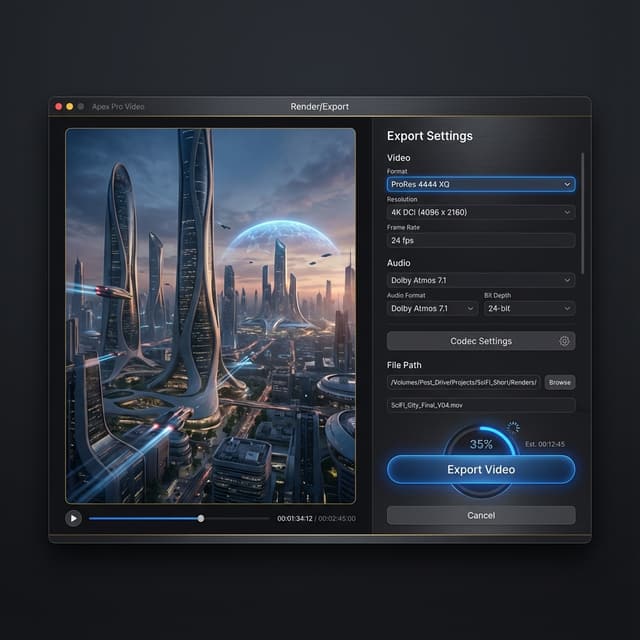
Start with the audience, desired reaction, and one deliverable. For product reveal concepts, describe product priority, audience, setting, camera movement, brand mood, and prohibited details. A narrow brief gives the generator fewer conflicting instructions and makes the first result easier to evaluate.
Refine product storytelling one variable at a time with Veo 3.1 Fast

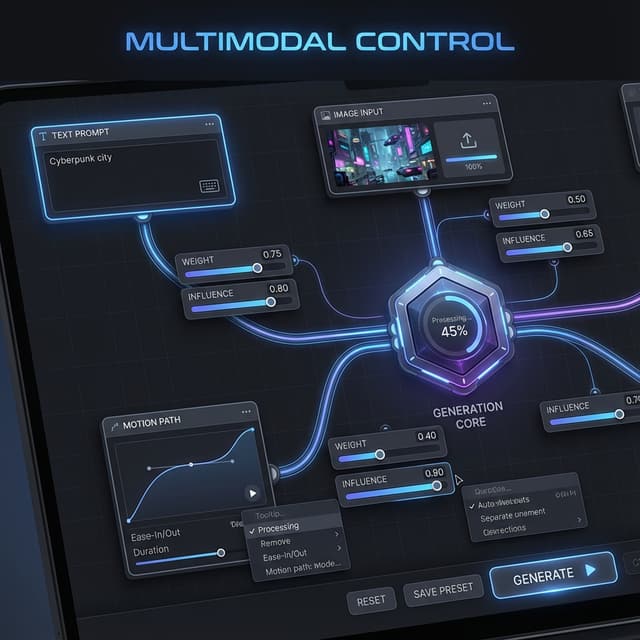
Keep the successful parts of the prompt and revise one dimension—action, framing, pacing, or atmosphere—per attempt. This creates a useful comparison trail for brand, product, and ecommerce marketers and shows which instruction actually changed the output.

PixLoft AI Veo 3.1 Fast pre-production review

Treat each generation as a creative draft. Check whether the product remains the visual priority and the message matches the brief, then inspect motion continuity, unwanted text, object changes, and brand-sensitive details before the clip enters editing or publishing.

How to build paid-social variants with Veo 3.1 Fast

Every generation should answer a production question. These four steps keep brand-safe product storytelling grounded in a repeatable review process.

1. Set the context for PixLoft AI Veo 3.1 Fast

Decide where the clip will appear, who will see it, and what viewers should understand without narration. A paid-social variants needs a different opening, pace, and composition from a long-form scene. Record the intended orientation and safe areas in the brief, then choose only settings that are actually available in the generator.

Start the brief

2. Direct one PixLoft AI Veo 3.1 Fast shot

Describe one coherent shot before asking for a sequence. Name the subject, action, environment, camera behavior, lighting, and ending state in that order. For brand-safe product storytelling, emphasize product priority, audience, setting, camera movement, brand mood, and prohibited details. Avoid stacking incompatible styles or unrelated actions in one generation.

Draft the prompt

3. Compare PixLoft AI Veo 3.1 Fast variations

Submit the prompt with Veo 3.1 Fast, save the wording that produced a useful composition, and change only the weakest element in the next pass. For PixLoft AI, keep product storytelling as the fixed review goal while comparing every result at the same viewing size.

Generate a variation

4. Approve the brand mood film draft with Veo 3.1 Fast

PixLoft AI reviewers should watch the complete output more than once: first for the story beat, then for frame continuity, hands and objects, accidental text, camera jumps, and the final frame. Add any captions, audio, or brand elements in post-production.

Review the result

Why this Sora 2 video alternative fits brand-safe product storytelling

The page connects a high-intent model query to an honestly named Veo 3.1 Fast generator and a workflow tailored to PixLoft AI.

Sora 2 Quality

Actual PixLoft AI model: Veo 3.1 Fast

This page does not provide direct access to OpenAI Sora 2. The live generator currently uses Veo 3.1 Fast. The selected model is visible before generation, so users can judge the output against the model that actually produced it. PixLoft AI keeps this disclosure next to the workflow so the research keyword and active route are not confused.

Sora 2 Speed

PixLoft AI use cases for Veo 3.1 Fast

Examples focus on product reveal concepts, paid-social variants, brand mood films, not generic cinematic promises. That makes the page more useful to brand, product, and ecommerce marketers and easier to apply to a real brief.

Sora 2 Cost

Decisions before the brand mood film with Veo 3.1 Fast

For PixLoft AI, structured prompts and single-variable revisions help teams choose a direction for brand mood films before spending time on editing, production, or stakeholder review.

Sora 2, Veo 3.1 Fast, and the PixLoft AI workflow

PixLoft AI answers practical questions about the active model, product storytelling, prompting, credits, rights, and human review.

Does this PixLoft AI page provide direct access to Sora 2?

No. This page does not provide direct access to OpenAI Sora 2. The live generator currently uses Veo 3.1 Fast. The page serves people researching Sora 2 with a transparent available alternative; it does not present another model as Sora 2. This PixLoft AI page keeps the distinction visible in the hero, generator, FAQ, and CTA.

Which model powers the PixLoft AI Sora 2 alternative generator?

The current default is Veo 3.1 Fast in text-to-video mode. Availability and selectable settings can change, so treat the model name and controls shown in the live generator as the source of truth for each task. PixLoft AI does not infer hidden capabilities beyond those live controls.

How should I prompt Veo 3.1 Fast for PixLoft AI's workflow?

Use one subject, one main action, a defined environment, and a clear camera instruction. For this PixLoft AI workflow, specify product priority, audience, setting, camera movement, brand mood, and prohibited details. Add exclusions only for known problems and revise one variable per generation.

What should I verify in a PixLoft AI Veo 3.1 Fast draft?

Check whether the product remains the visual priority and the message matches the brief. Then review temporal continuity, subject identity, object behavior, accidental words or logos, and the final frame. A convincing preview still needs human review before commercial or public use.

How does PixLoft AI show Veo 3.1 Fast generation cost?

Use the credit estimate and account information displayed by the PixLoft AI generator before submission. Cost can depend on Veo 3.1 Fast and the selected settings; this page does not promise a fixed external-provider price.

What should PixLoft AI users check before commercial use of Veo 3.1 Fast output?

Before publishing a PixLoft AI result, review the current platform terms, input rights, and any brand, likeness, music, or jurisdiction-specific requirements. This page does not grant rights beyond applicable terms or replace legal review.

Create a brand mood films draft with Veo 3.1 Fast

This page does not provide direct access to OpenAI Sora 2. The live generator currently uses Veo 3.1 Fast. Start with a focused brief for brand-safe product storytelling, generate a reviewable draft, and refine only the variables that matter to your audience.